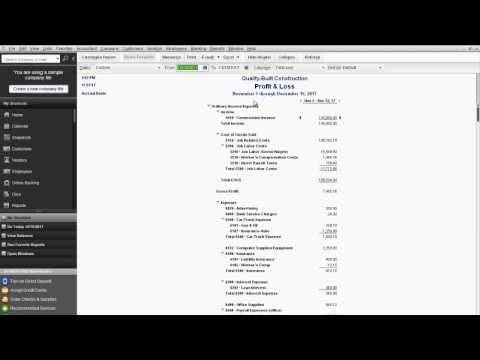
RPPC Inc – If you are entering a lot of information into an financial management program like QuickBooks, you want to be able to keep your hands on the keyboard. Moving back and forth from the keyboard to the mouse just slows you down. That is why we have “keyboard shortcuts” in good Windows based programs […]
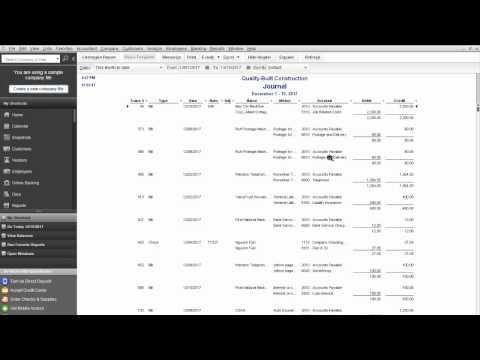
RPPC Inc – QuickBooks®Reports For Your Financial Manager at Year End
RPPC Inc – This video will show you how to access some reports your financial manager may want from you at year end. The key is having great financials that you can utilize throughout the year to make good business financial decisions and when tax time comes, it’s no problem. The financials are in good order […]
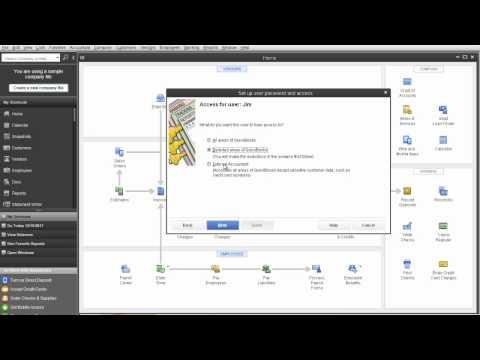
RPPC Inc – QuickBooks®Set up Users and Control Access
Do you want your A-P clerk having access to your payroll records? Or your billing clerk having access to your profit and loss statements? Maybe so, but maybe not. If not, then you can configure your QuickBooks®company file so that each user has access only to the information they need. This video will show you […]
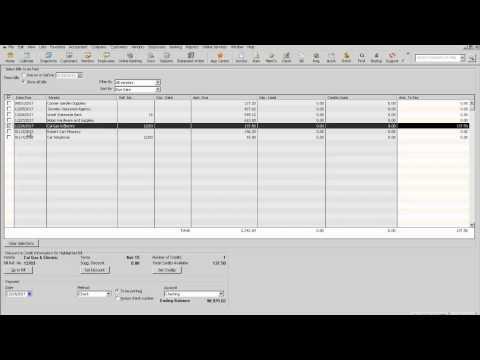
RPPC Inc – QuickBooks®How To Clean up Vendor Bill Pay Screen
Sometimes QuickBooks®users will create a bill, and then write a check to pay for the same expense, instead of using the bill payment method. Leaving your QuickBooks®file in this condition will overstate your expenses and accounts payable, while your bank account will still reconcile. This video will show you how to clean up the vendor […]
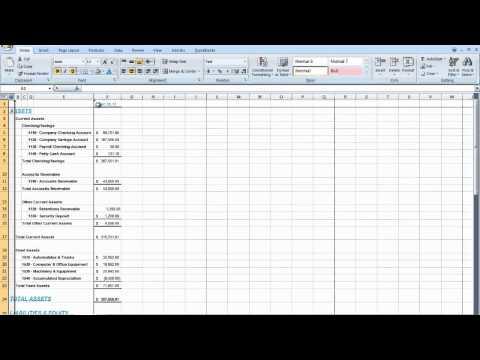
RPPC Inc – QuickBooks®Exporting Reports to Excel | Updating and Existing Worksheet
Occasionally, you may need to change a report’s appearance or contents in ways that aren’t available within QuickBooks.Changes you make in Excel don’t affect your QuickBooks®data, so you’re free to customize a report as needed. If you need more information on exporting reports to Microsoft Excel, please call RPPC at 816.885.0487