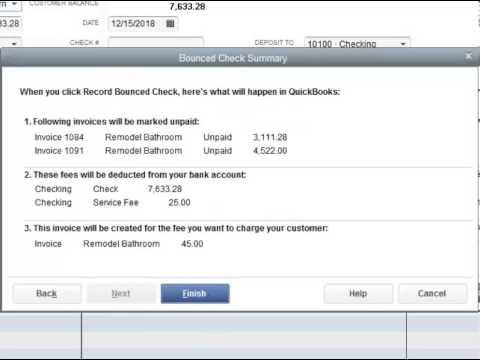
RPPC Inc QuickBooks®how to video on how to record bounced checks in Quickbooks. Hopefully it’s not something you have to deal with frequently, but if it is, here are some great tips! The key is ensuring what you input into QuickBooks®matches your bank statements! Need help, feel free to reach out to 816.885.0487
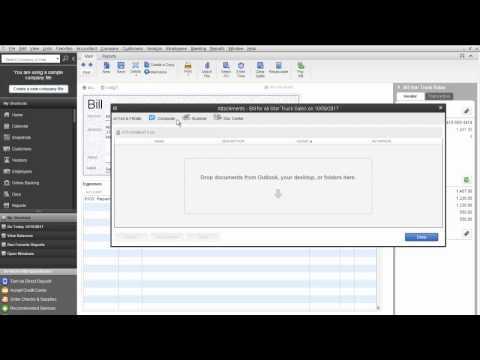
RPPC Inc – Attaching Documents in QuickBooks
QuickBooks®Attached Documents provides a way for you to keep documents related to your customers, vendors, employees, and transactions in one place within the QuickBooks. Reach out if you have any questions or need help setting it up in your QuickBooks®file. 1.888.536.9690
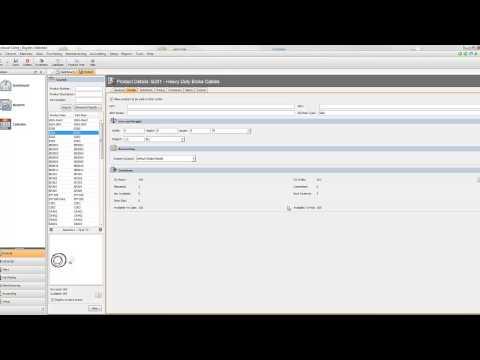
RPPC Inc – QuickBooks®Fishbowl Inventory Parts and Products
RPPC Inc QuickBooks®third party add on Fishbowl Inventory software video discussing the parts and products features. We’ll highlight the additional features Fishbowl Inventory has over QuickBooks®alone.
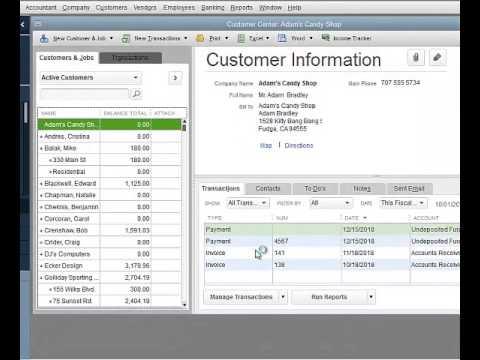
How To Get Customer Information From One QuickBooks®File Into A New File
RPPC Inc – QuickBooks®How To Get Customer Information From One QuickBooks®File Into A New One if you only have a few that you want in the new file.
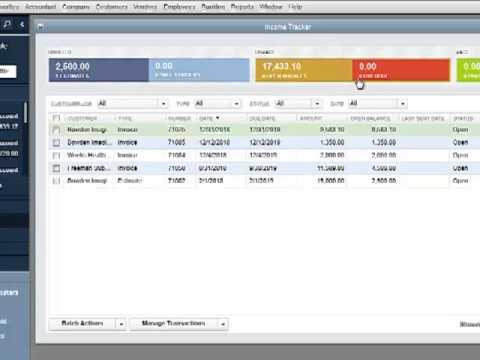
QuickBooks®Customizing Balance Tab and Income Tracker
RPPC Inc QuickBooks®has some new features including Balance Tab and Income Tracker. Understand what all those features mean to you!
RPPC Inc – QuickBooks®Enterprise Combining Reports from Multiple Company Files
RPPC Inc QuickBooks®how to video that will show you the easy steps in QB Enterprise to combine reports from multiple companies in Excel. It’s a great way to produce consolidated financials for your company using QuickBooks®Enterprise.
How to Update your QuickBooks®software
Learn how to update your QuickBooks®software and ensure that it is running as good as it can. This is a how to video for QuickBooks®destktop. Keeping your QuickBooks®software up to date helps to minimize issues with your QuickBooks®file. Reach out if you have any questions or need help setting it up in your QuickBooks®file. 1.888.536.9690
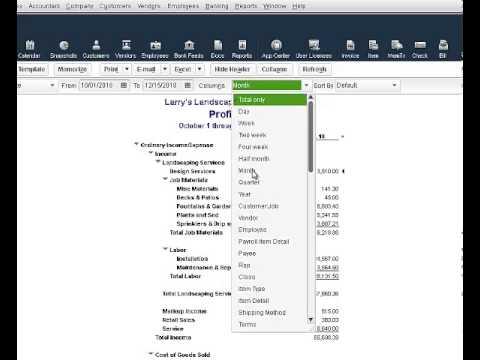
How To Get The Most Out Of Your Profit and Loss Report
RPPC Inc – Quickbooks How To Get The Most Out Of Your Profit and Loss Report. A short tutorial showing you how by changing one setting you can get a more detailed P&L Report.
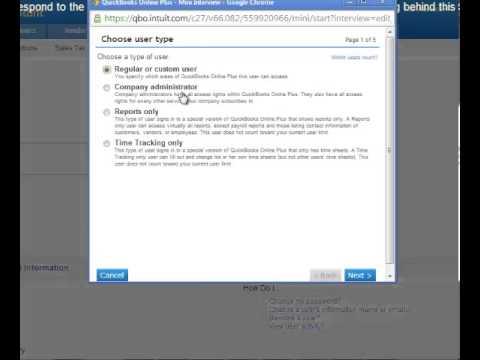
How To Change User Access Rights with QuickBooks®Online
RPPC Inc – QuickBooks®Online How To Change User Access Rights. This is a tutorial showing you how to change user access rights in QuickBooks®Online and also explains the different user roles.
How to edit your QuickBooks®Desktop Preferences
How to edit your QuickBooks®desktop preferences is easy. You will want to be logged in as the Admin in your QuickBooks®file and it is always best to be in single user mode if you are going to be impacting company wide settings. If you forget, QuickBooks®will remind you if you need to be in single […]
How to Attach a Document in QuickBooks
When entering transactions into QuickBooks®it is important to attach your supporting documents for historical information. This How-To video explains the simple process to attach a digital copy to your files in QuickBooks.

How to Reconcile Your Bank Account in QuickBooks®Online
How to reconcile your bank account in QuickBooks®online. This same process works for credit cards, lines of credit and loans in general. Reconciling should be done monthly. Whether you have QuickBooks®online or desktop, it is a very similar process. The desktop just looks a little different, but the process works essentially the same.