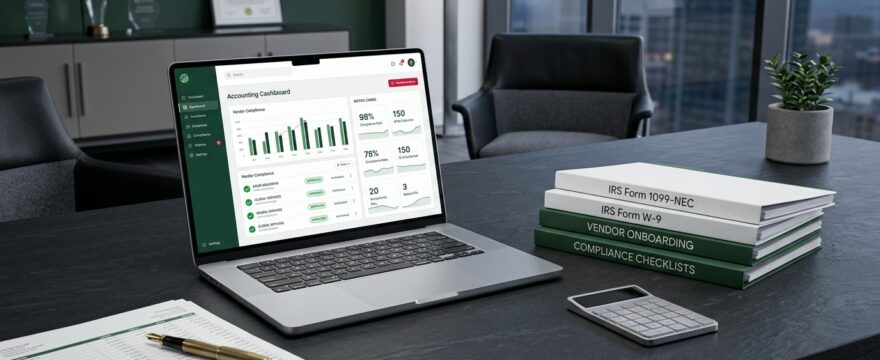
Year-end vendor compliance looks dramatically different this filing cycle, and understanding the 2026 1099 rules in QuickBooks is essential for every small business owner, controller, and law firm administrator. For the first time in decades, federal information return reporting has undergone two simultaneous structural shifts: the Form 1099-NEC and 1099-MISC threshold has jumped from $600 to $2,000, and the IRS has permanently retired its legacy electronic filing system.
While a higher dollar threshold reduces the total number of forms many businesses must issue in January, it also creates dangerous false confidence. Misinterpreting payment-date cutoffs, double-reporting credit card or PayPal transactions, or failing to transition your electronic filing workflow can still trigger IRS backup withholding notices and per-form late penalties.
Whether you manage independent contractors, freelance specialists, or third-party litigation vendors such as expert witnesses and mediators, getting your books aligned before December 31 is critical. Below, we break down the exact 2026 1099 rules in QuickBooks and walk through the five-step year-end vendor audit your team needs to execute now.
Table of Contents
What Changed for 2026 1099-NEC and 1099-MISC Reporting?
For payments made on or after January 1, 2026, the federal reporting threshold for Form 1099-NEC (Nonemployee Compensation) and Form 1099-MISC increased from the longstanding $600 benchmark to $2,000. That means if your business paid an eligible independent contractor $1,850 during the 2026 calendar year, you are no longer required to issue a federal 1099-NEC for that vendor.
However, one crucial timing rule trips up bookkeepers every year: the date of payment—not the invoice date—governs the transaction. If a contractor completed work in December 2025 but you issued the check or ACH transfer in January 2026, that payment counts toward your 2026 $2,000 threshold. Conversely, any vendor paid $2,000 or more via cash, check, ACH, or wire across all combined 2026 payments must receive a 1099.
Why Form W-9 Collection Remains Non-Negotiable
A common reaction to the $2,000 threshold is relaxing vendor onboarding paperwork. That is a costly mistake. A higher filing threshold changes when you file a 1099—it does not change what your business must track from day one.
- Cumulative Payments Add Up Fast: A vendor hired for a $900 project in February may be brought back for a $1,400 engagement in October, pushing them over $2,000 before year-end.
- Entity Verification Matters: Without a signed Form W-9 on file, you cannot verify whether a vendor is an LLC taxed as an S-Corp or C-Corp (generally exempt from 1099 reporting) versus a sole proprietor or single-member LLC.
- Attorney & Medical Exceptions Still Apply: Law firms and businesses making payments to attorneys or medical service providers must remain especially vigilant, as gross proceeds and legal fee reporting carry strict IRS rules regardless of corporate entity status.
Always require a completed, signed Form W-9 before releasing a vendor’s first payment. Chasing Tax Identification Numbers (TINs) in mid-January is one of the most preventable sources of year-end financial management stress.
Avoiding Double Reporting: 1099-K vs. 1099-NEC in QuickBooks
Even with the updated 2026 1099 rules in QuickBooks, one rule remains unchanged: never report payments made via credit card, debit card, or third-party settlement networks (such as PayPal, Stripe, or Venmo Business) on Form 1099-NEC. Those transactions fall under Form 1099-K reporting, which is handled directly by the payment processor.
If your bookkeeper includes credit card payments inside your 1099-NEC totals, the IRS receives duplicate income reports for that contractor—causing mismatched tax notices for your vendor and cleanup headaches for your team. Fortunately, QuickBooks Online automatically excludes transactions recorded as credit card charges or debit card expenses from 1099 calculations, provided your bank feeds and payment methods are categorized accurately.
IRS FIRE Is Retired: Preparing Your Practice for IRS IRIS
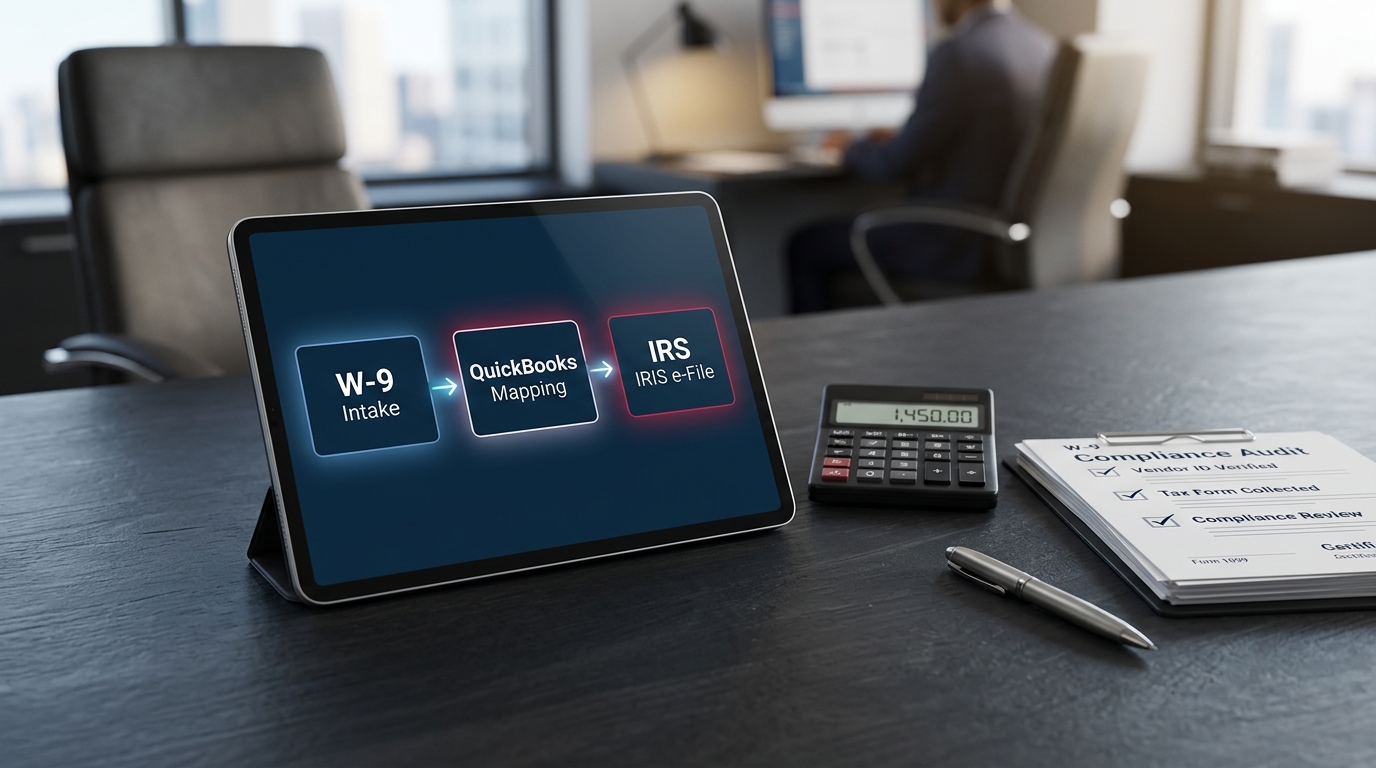
Alongside the dollar threshold adjustment, the IRS has permanently retired the legacy Filing Information Returns Electronically (FIRE) system. Moving forward, electronic 1099 submissions must route through the IRS Information Returns Intake System (IRIS).
If your business files 10 or more information returns in aggregate (including W-2s and 1099s combined), electronic filing is mandatory. While QuickBooks Online Payroll and QBO 1099 E-File handle direct transmission for standard accounts, businesses or financial management teams filing directly with the IRS must ensure their IRIS Transmitter Control Code (TCC) is active well ahead of the January 31 deadline.
Step-by-Step Guide to 2026 1099 Rules in QuickBooks Online
To ensure your year-end filings are accurate and penalty-free, run this four-step audit inside QuickBooks Online before December 31.
Step 1: Verify Vendor Tax Classification and TIN Status
Navigate to Expenses > Vendors and run a Vendor Contact List report. Confirm that every contractor flagged with “Track payments for 1099” has a verified legal name, current mailing address, and valid SSN or EIN matching their Form W-9. Remove the 1099 flag from verified C-Corps and S-Corps (except attorneys or medical providers where required).
Step 2: Audit Expense Account Mappings (Including Reimbursable Costs)
Inside the QuickBooks 1099 wizard, review which Chart of Accounts categories map to Box 1 (Nonemployee Compensation) on Form 1099-NEC and Box 1 (Rents) or Box 10 (Gross Proceeds Paid to an Attorney) on Form 1099-MISC.
Critical Tip for Law Firms: If your firm tracks third-party litigation disbursements on the Balance Sheet as outlined in our guide on advanced client costs in QuickBooks, make sure your 1099 account mapping includes your Advanced Client Costs asset account when paying unincorporated expert witnesses, investigators, or process servers. Otherwise, those payments will vanish from your 1099 summary report!
Step 3: Exclude Credit Card and Third-Party Processor Payments
Review your Transaction List by Vendor report for any contractor approaching or exceeding $2,000. Verify that payments made via credit card were entered as Credit Card Expenses (not Checks or ACH transfers), and confirm that PayPal/Venmo settlements are cleanly separated so QuickBooks excludes them from Box 1 totals.
Step 4: Reconcile Year-to-Date Totals Against the $2,000 Limit
Verify that your QuickBooks 1099 settings reflect the updated $2,000 federal threshold before generating preview forms. Watch closely for duplicate vendor profiles (e.g., “John Doe Consulting” vs. “Doe, John”)—merging duplicate vendor records ensures QuickBooks aggregates all 2026 payments accurately. If your Chart of Accounts or vendor list has years of tangled entries, our QuickBooks troubleshooting specialists can clean and reconcile your file ahead of tax season.
Streamline Your Year-End Tax Compliance with RPPC
Navigating the 2026 1099 rules in QuickBooks doesn’t have to turn January into an administrative scramble. By auditing your Form W-9 files, mapping both P&L and client-cost asset accounts correctly, and preparing for IRS IRIS e-filing before December 31, your business protects itself from costly IRS notices and unnecessary tax-prep fees.
At RPPC Financial Management Firm, we partner with small businesses and law firms to keep their QuickBooks files clean, reconciled, and fully tax-ready year-round. Explore our year-end tax and financial management services or schedule a consultation with our team to lock in a stress-free close.